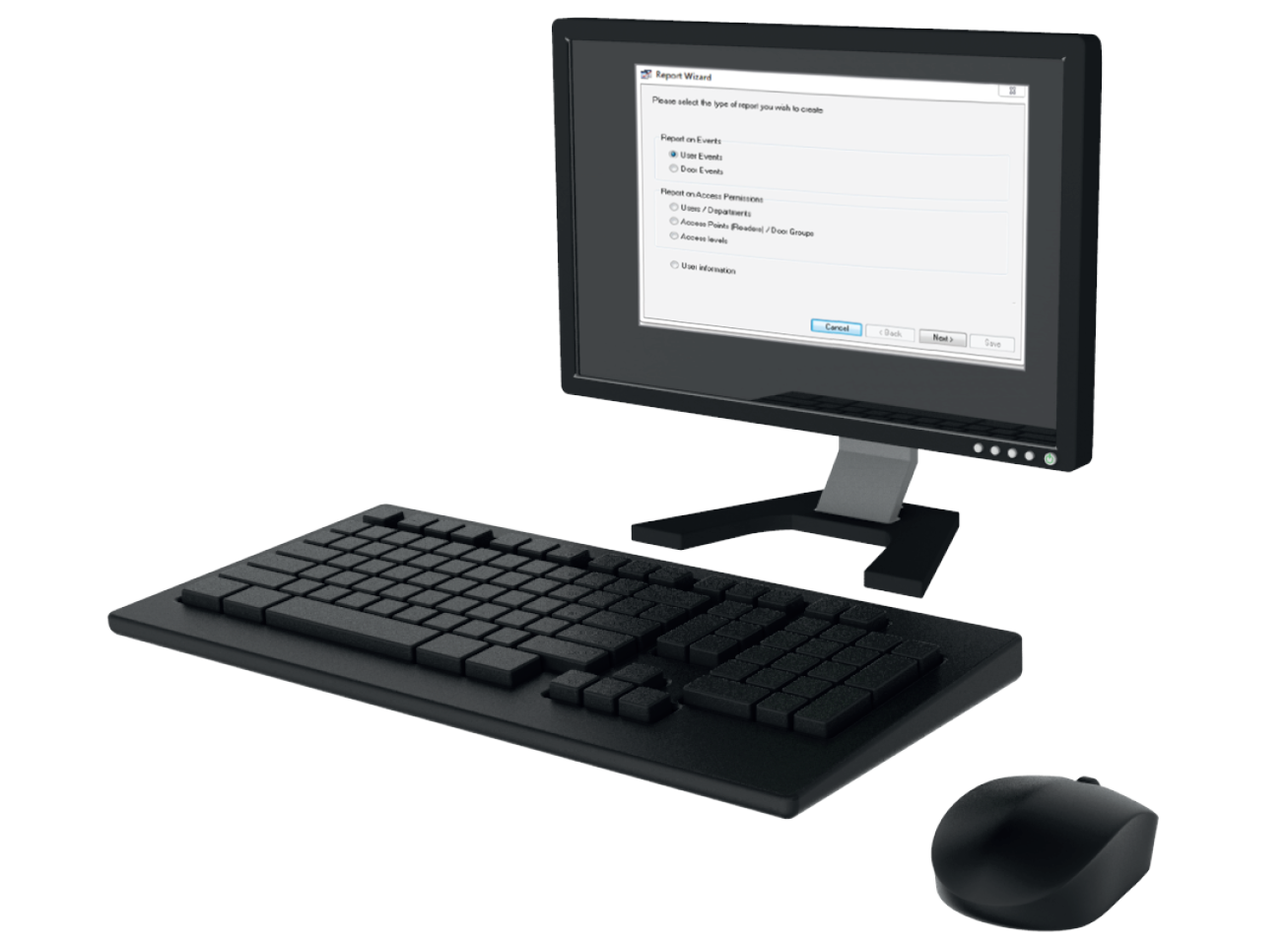
















Secure custom reports, personalised for you
Personalised to you
Custom Reports
Custom reporting in Net2 let you filter and export access data for attendance, security, and compliance, quickly and easily.
We're trusted by leading companies


Unlocking the Power of Custom Reports in Paxton Access Control
Paxton Access Control makes it easy to create custom reports that give you exactly the information you need. Explore how custom reports function, what elements they include, and the full range of customisation options available to suit different operational needs.
Understanding Custom Reporting
Paxton’s custom reports let you easily extract and tailor access data to your needs - fast, flexible, and user-friendly.

Targeted Data Parameters
Choose specific users, time frames, doors, or events to include only the most relevant data in your reports.

Multiple Export Formats
Export reports in PDF, Excel, or CSV formats, ideal for sharing, printing, or integration with other systems.

Customisable Templates
Use pre-built templates or create your own with full control over structure, layout, and visual elements.

Extensive Report Customisation
Define data fields, add personalised headers, adjust fonts and colours, and match your branding.

Filtering & Sorting Tools
Easily narrow down large datasets by date, user, or access frequency for more meaningful analysis.

Scheduled Reports
Automate report generation on a daily, weekly, or monthly basis to ensure timely access to up-to-date insights.

Who we install for
Custom reports in Paxton Access Control adapt to any industry, helping organisations turn access data into actionable insights.

Businesses
Track attendance and support payroll and HR compliance.

Education Institutions
Monitor student access and improve campus safety.

Healthcare Facilities
Ensure compliance and control access to sensitive areas.

Industrial
Log shift activity and manage high-risk area access.

Businesses
Track attendance and support payroll and HR compliance.

Education Institutions
Monitor student access and improve campus safety.

Healthcare Facilities
Ensure compliance and control access to sensitive areas.

Industrial
Log shift activity and manage high-risk area access.
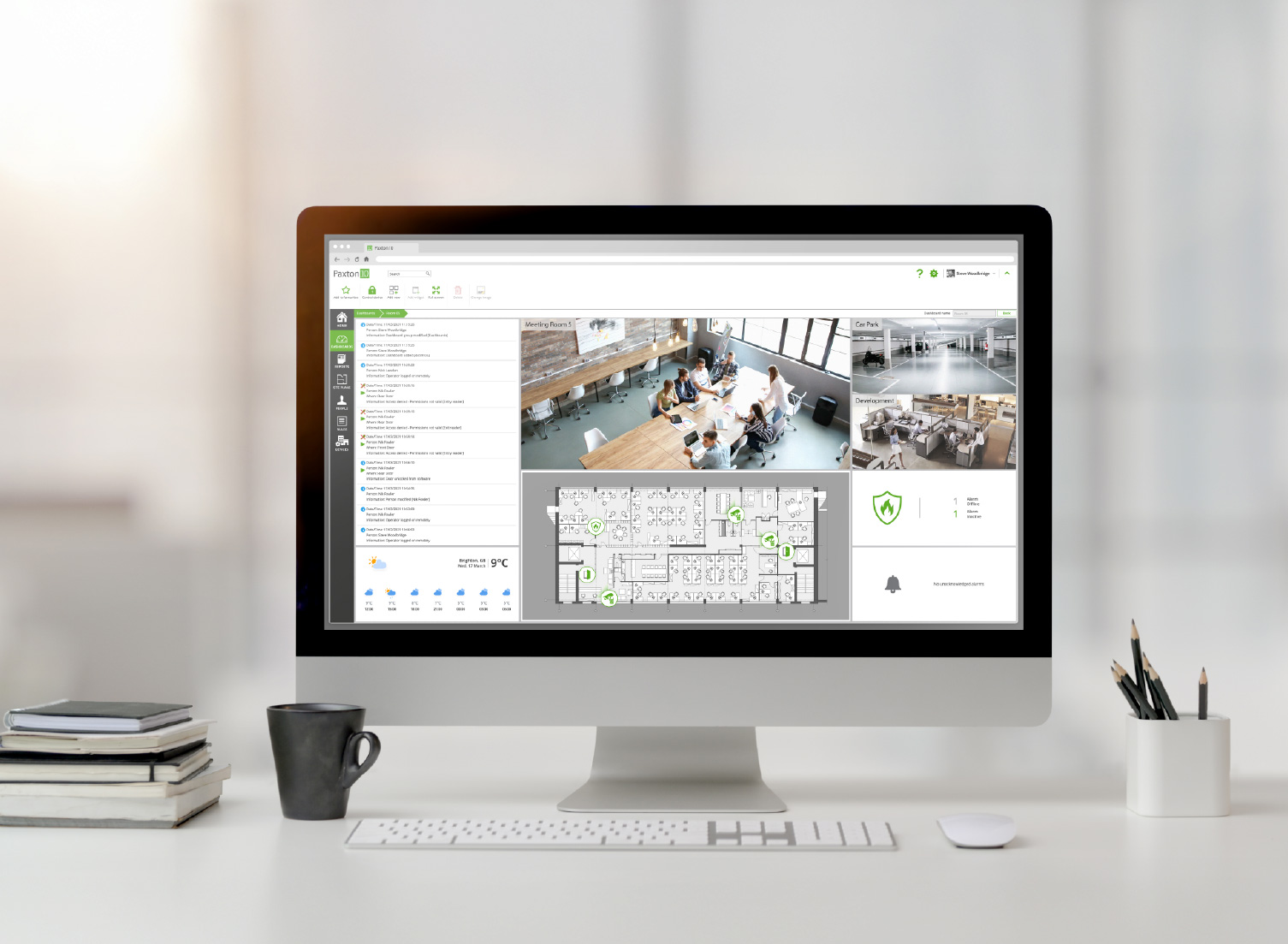
Personalised to your needs
Paxton’s custom reporting offers a high degree of flexibility, enabling you to tailor reports to meet your exact requirements:
Data Field Selection
Specify the exact data points to include, such as user names, entry times, and door locations, for reports that align with your operational needs.
Layout and Design Control
Customise the visual layout, including fonts, colours, and design elements, to reflect your organisation’s branding or preferred style.
Custom Titles and Headers
Define clear, contextual titles and headers that communicate the purpose of each report at a glance.
Automated Scheduling
Streamline reporting workflows by scheduling automated report generation on a daily, weekly, or monthly basis, ensuring timely and consistent insights.
Comprehensive Report Customisation
Paxton Access Control provides robust customisation tools, allowing you to tailor reports for clarity, relevance.
Net2: Smarter Emergency Response
Net2 custom reports give you clear, filtered access data, quickly and on your terms. Perfect for security, HR, and compliance.
Easy Report Wizard
Quickly generate reports on events, permissions, or users using a guided setup
Custom & Standard Reports
Choose from built-in, or build your own reports by filtering users, doors, and time periods
Export & Share Easily
Export reports as PDF or CSV to share across teams or integrate with other tools
Easy Report Wizard
Quickly generate reports on events, permissions, or users using a guided setup
Custom & Standard Reports
Choose from built-in, or build your own reports by filtering users, doors, and time periods
Export & Share Easily
Export reports as PDF or CSV to share across teams or integrate with other tools
Scheduled Reporting
Automate your reports to run daily, weekly, or monthly, no manual input needed
Filter & Sort with Precision
Filter by user, door, or date to quickly find the data you need.
Scheduled Reporting
Automate your reports to run daily, weekly, or monthly, no manual input needed
Filter & Sort with Precision
Filter by user, door, or date to quickly find the data you need.
Frequently Asked Questions
Custom reports in Net2 allow you to generate tailored data sets based on users, doors, events, and time ranges—ideal for security, attendance, or compliance tracking.
Use the built-in report wizard in Net2 software to select your data type (events, permissions, users), apply filters, and generate reports quickly.
Yes, you can schedule reports to run daily, weekly, or monthly, ensuring you always have up-to-date access control data without manual effort.
Net2 reports can be exported in PDF or CSV formats, making it easy to share or integrate with other systems like payroll or compliance tools.
Absolutely. You can choose data fields, sort results, and adjust visual layout options such as titles, headers, and column formats.
Yes. Net2’s detailed access logs and scheduled reports help support GDPR, health & safety, and audit trail requirements.
Custom reports in Net2 allow you to generate tailored data sets based on users, doors, events, and time ranges—ideal for security, attendance, or compliance tracking.
Use the built-in report wizard in Net2 software to select your data type (events, permissions, users), apply filters, and generate reports quickly.
Yes, you can schedule reports to run daily, weekly, or monthly, ensuring you always have up-to-date access control data without manual effort.
Net2 reports can be exported in PDF or CSV formats, making it easy to share or integrate with other systems like payroll or compliance tools.
Absolutely. You can choose data fields, sort results, and adjust visual layout options such as titles, headers, and column formats.
Yes. Net2’s detailed access logs and scheduled reports help support GDPR, health & safety, and audit trail requirements.